
This is such a simple but effective n8n workflow: Add a job to a queue to send a templated email to the customer.
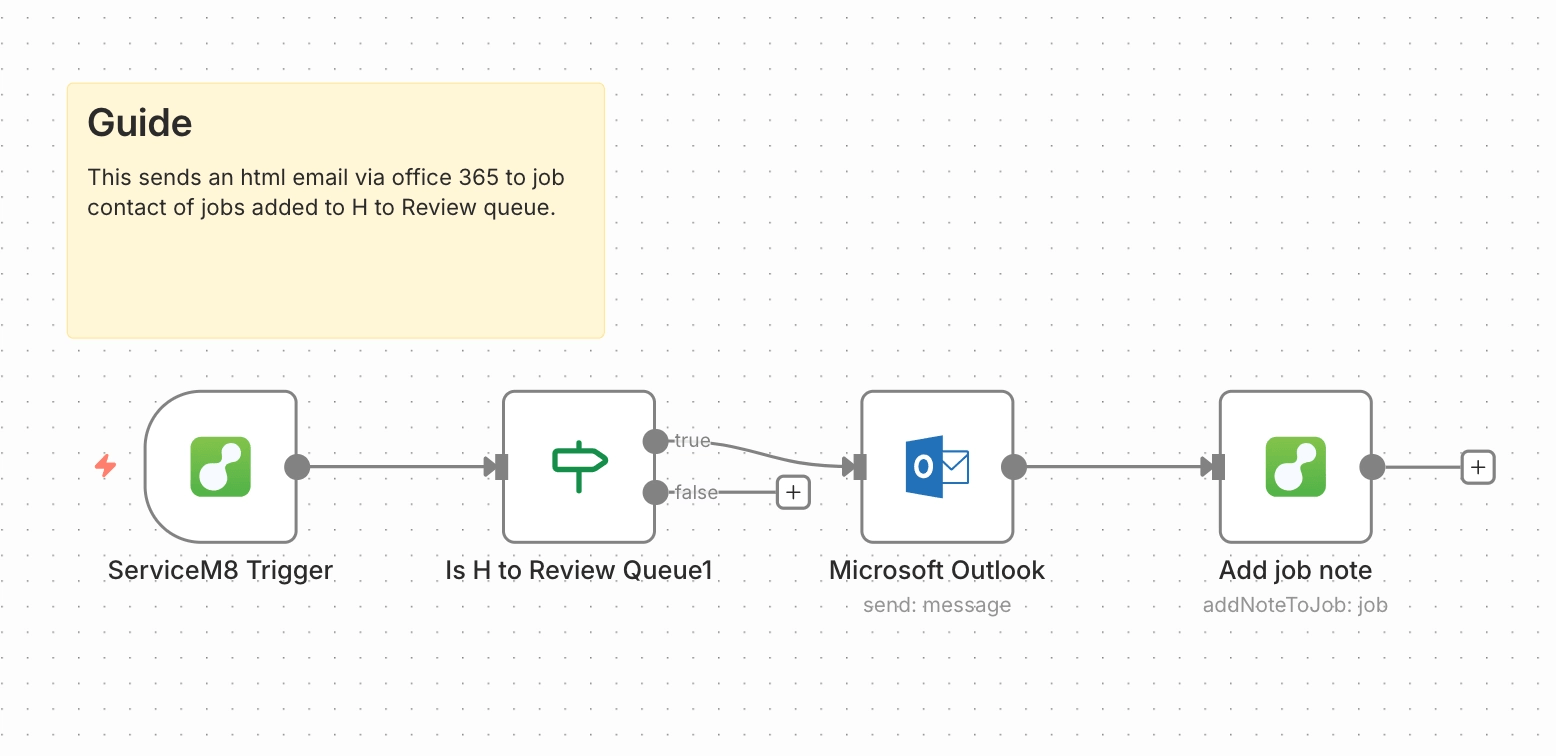
This is great for just automating simple customer updates along their job’s journey through your ServiceM8 account.
ServiceM8’s forthcoming Office Agent can’t do this at the moment, so this is a great workflow to get started with.
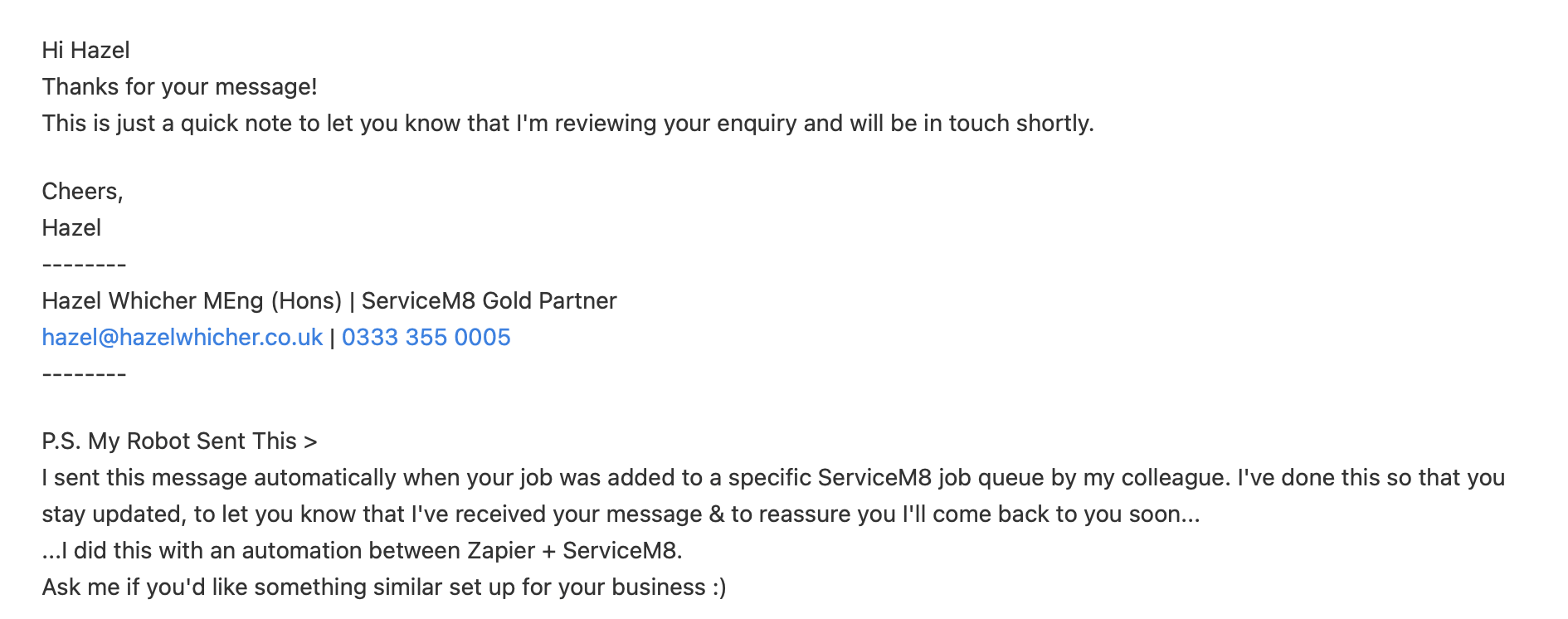
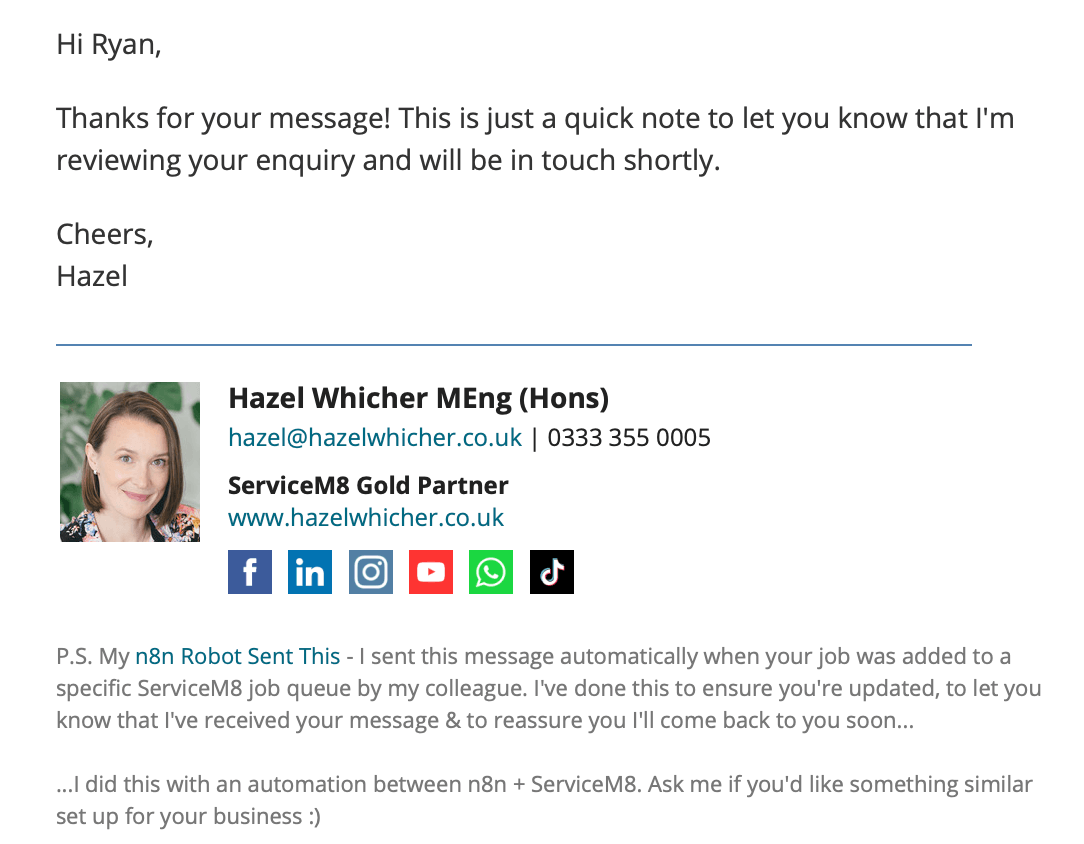
I used to have this set up and running via Zapier, but I never managed to figure out how to easily send a pretty HTML email until I moved it over to n8n.
Via Zapier it looked like this:
Now it looks like this:
The Software Stack
- n8n
- ServiceM8
- Microsoft Office 365
Are you already using n8n? I’d love to hear what you’re automating – or what you wish you could automate.
Whether you use ServiceM8, run a trade business, or simply want to save time on repetitive admin, ask me about ready-made and custom n8n workflows. Drop a comment or send me a message and I’ll help you work out what’s possible.
Ready to try n8n? You can sign up using my partner link: https://hazelwhicher.co.uk/get/n8n
#WorkflowWednesday

