
If you’re migrating from another job management software such as Tradify, Commusoft, or just a spreadsheet of servicing dates, you’re probably wondering how you get all of that across into ServiceM8.
Here’s the thing you may not realise before you start: that’s not actually the first decision. The first decision is what you want to happen with each servicing job once it’s in there because “migrating the data” and “building the reminder system” are two different jobs.
So before you touch ServiceM8, work out the answer to three questions for each type of servicing job you run:
- Do you need an internal reminder when a service is due, so someone in the office knows to book it in?
- Do you want a list of what’s coming up, so you can plan ahead or chase gaps?
- Do you want the customer reminded automatically, without anyone in your team lifting a finger?
Once you know the answer, the build is straightforward.
You create a job template for that type of work, say, a gas boiler service, and attach a servicing form badge and the 1 year follow up badge. Then you set up an automation that fires off a text and email to the customer around 11 months after the last service, prompting the customer to rebook before it’s due. Add that automation badge to your job template. Get that live, and it runs itself from then on.
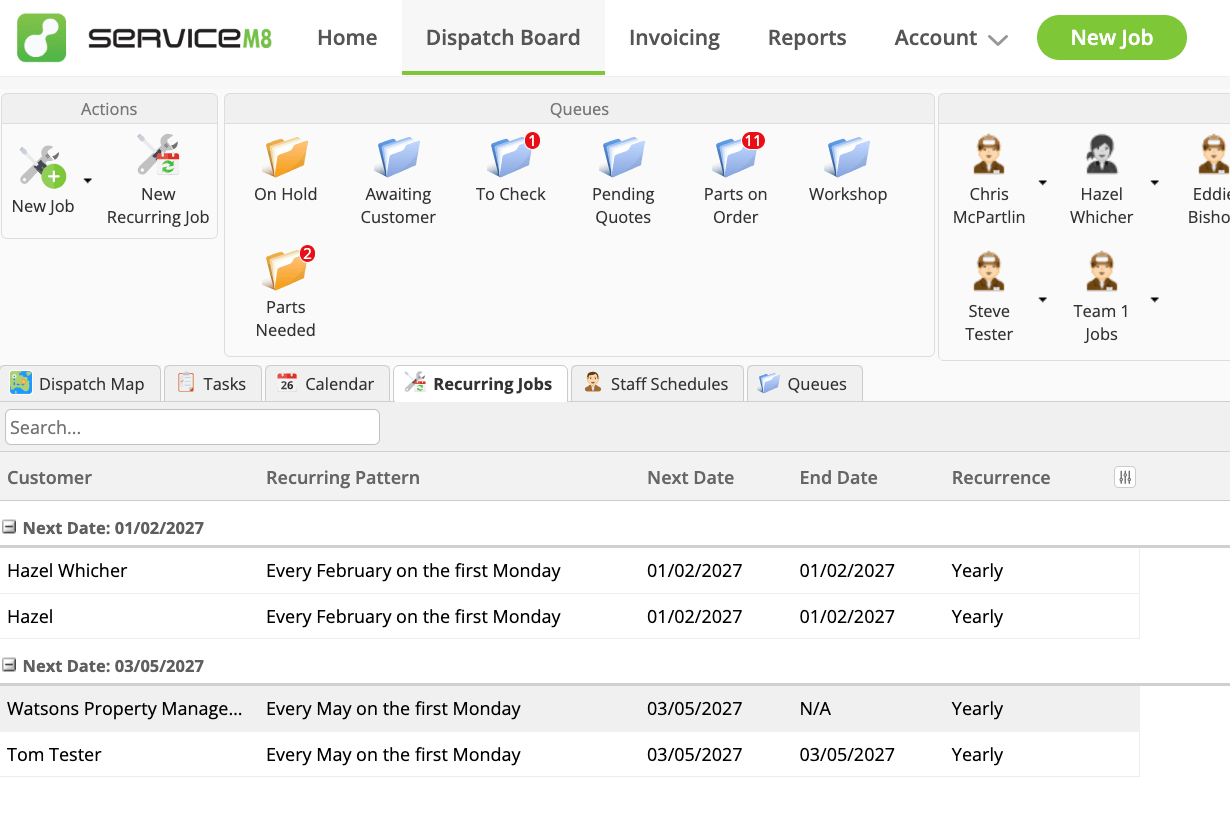
It gets easier than most expect: you don’t need to import your entire old spreadsheet on day one. Most businesses just start creating jobs using the new job template as each service naturally comes due – the list migrates itself over the next twelve months, without you touching a bulk import. If you’d rather get ahead of it and load in every known date up front, ServiceM8’s Recurring Jobs feature will do that too – you set the recurrence once per customer and it schedules the future visits for you.
There are also more advanced routes: Some use third-party add-ons for recurring maintenance, or import tools, or workflow builders like n8n to shift a big list across in one go. That’s a different conversation with its own setup.
For most trades businesses though, you don’t need the complicated version. Build the reminder system once, start feeding it as services come due, and let it catch up naturally.

