
If you’re tired of constantly checking ServiceM8 jobs, notes and forms for important information from your team after they’ve visited a job, I might have a solution for you.
It’s called the Form Inbox Follow Up Automation, and it’s a little-known one because it’s out-of-the-box: no Zapier, no third-party tool, just a setting sitting inside ServiceM8.
How it works
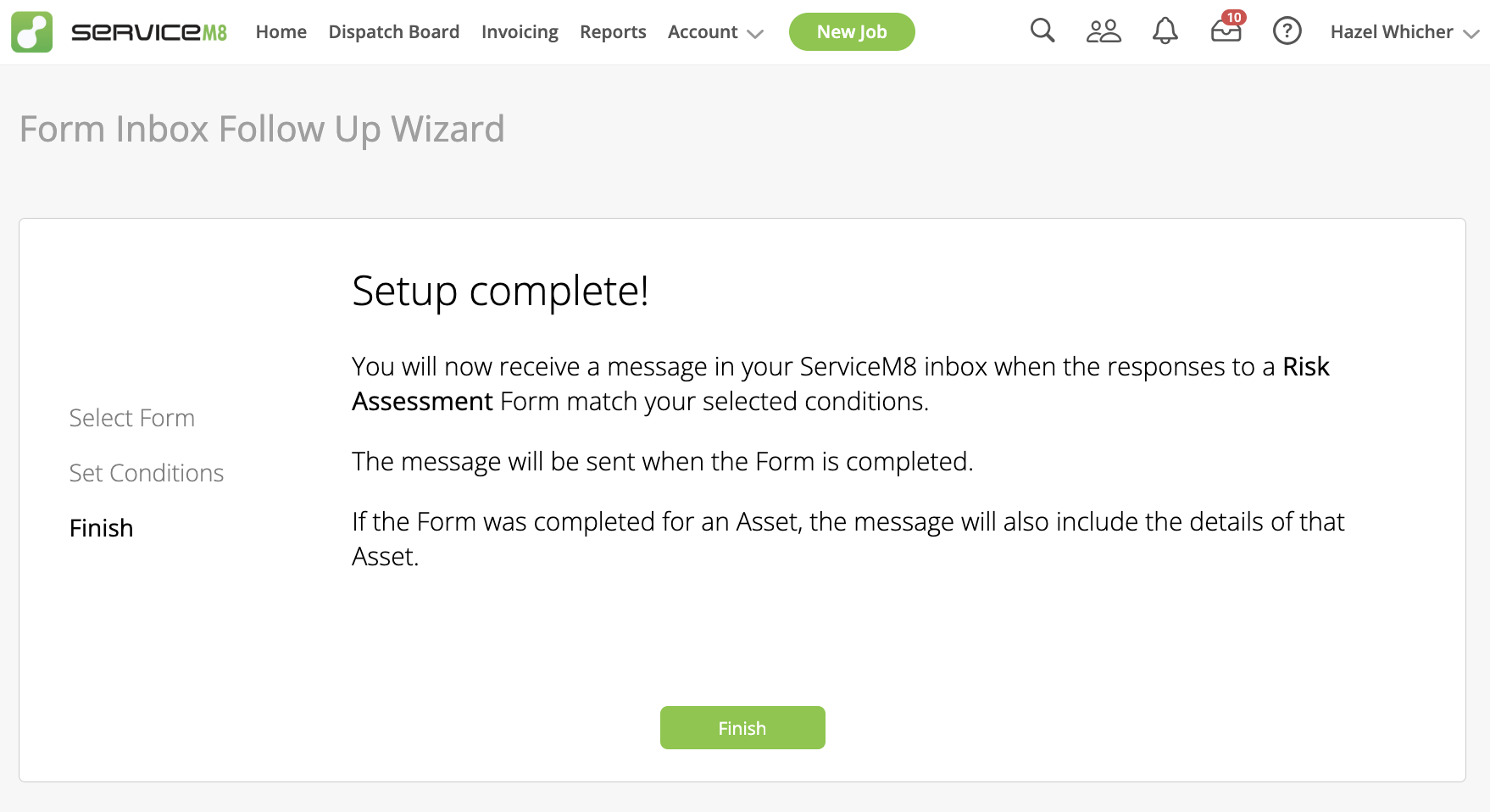
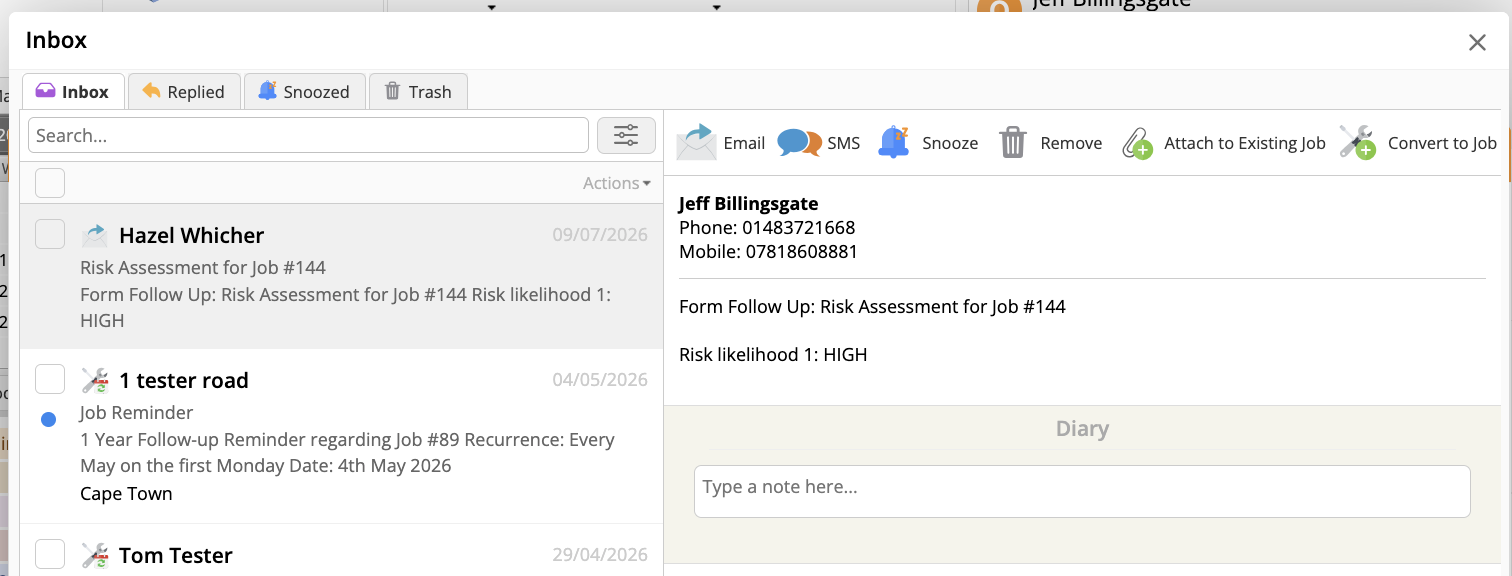
You tell it which form to watch, and which answer to watch for. Every time that answer comes back – for example, “Yes” to “Does this need follow-up work?” or “Do parts need to be ordered?” – a message lands in your ServiceM8 Inbox automatically. You don’t go looking for it. It comes to you.
That message already has the answers attached, and you can convert it straight into a job from there.
This means you can stop opening every job “just in case” something needs chasing. If nothing’s come through to your Inbox, nothing needs you yet.
How to set it up:
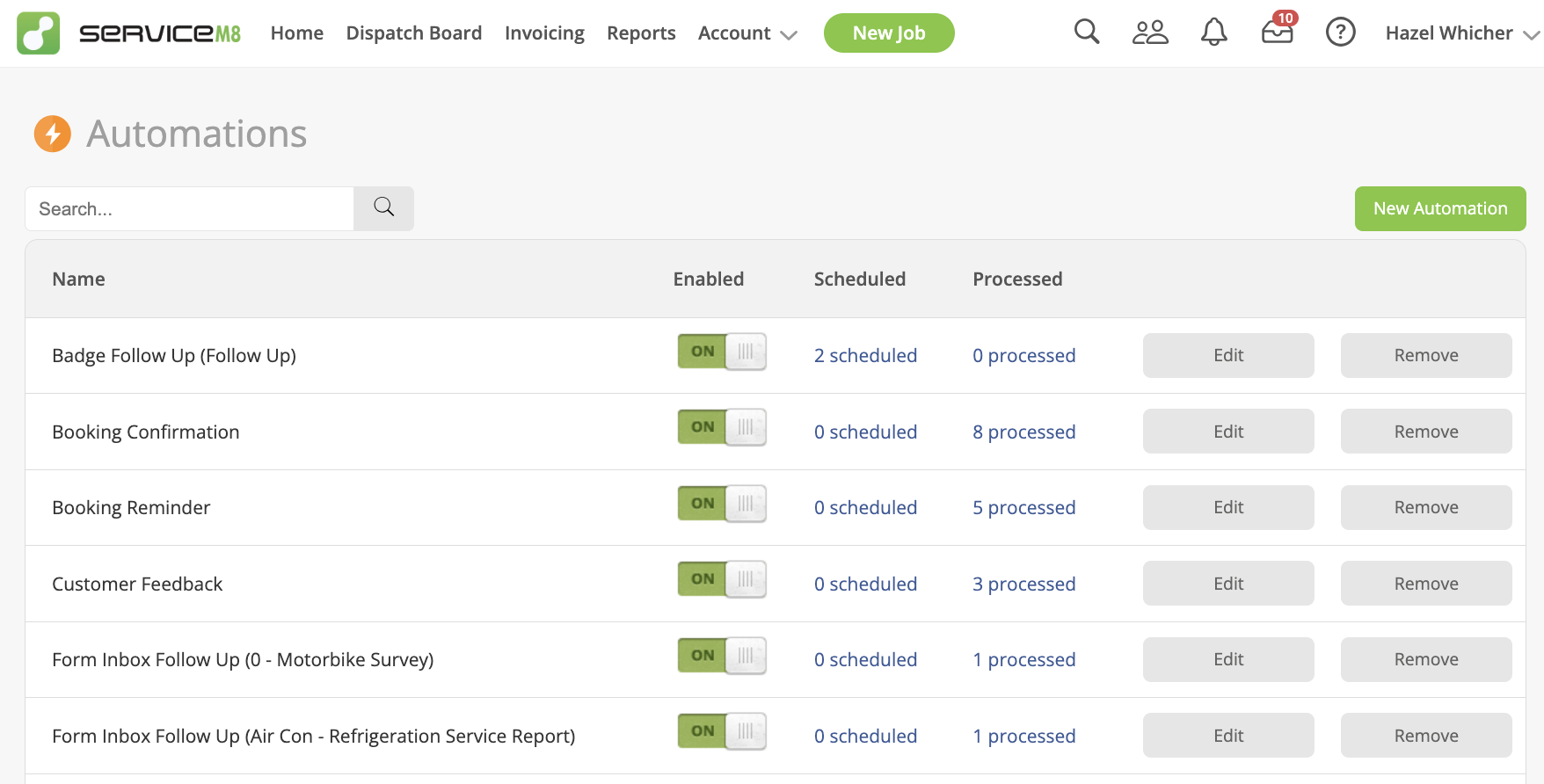
1. Go to Settings > Automations and click New Automation.
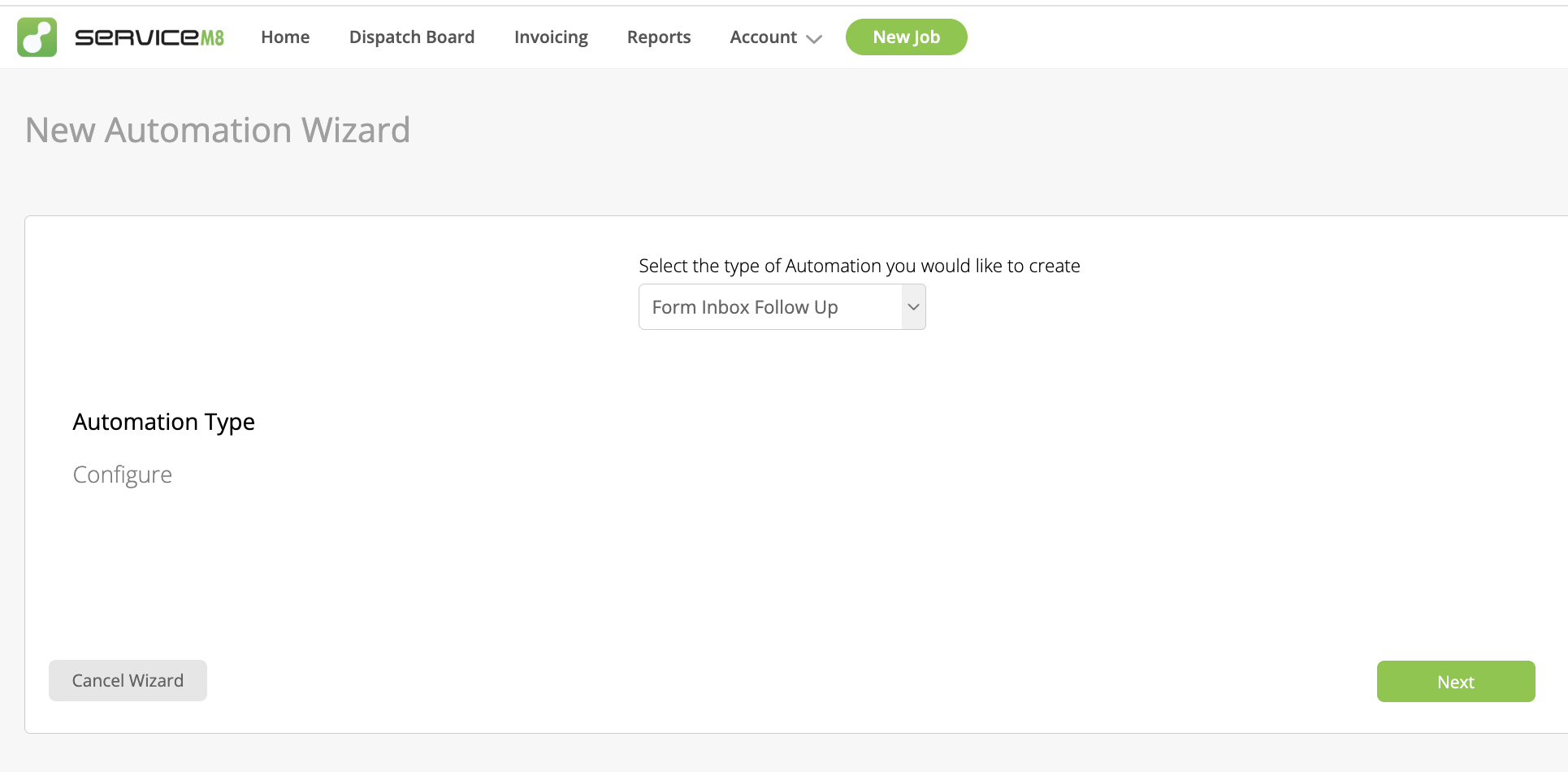
2. Select Form Inbox Follow Up from the list of automation types.
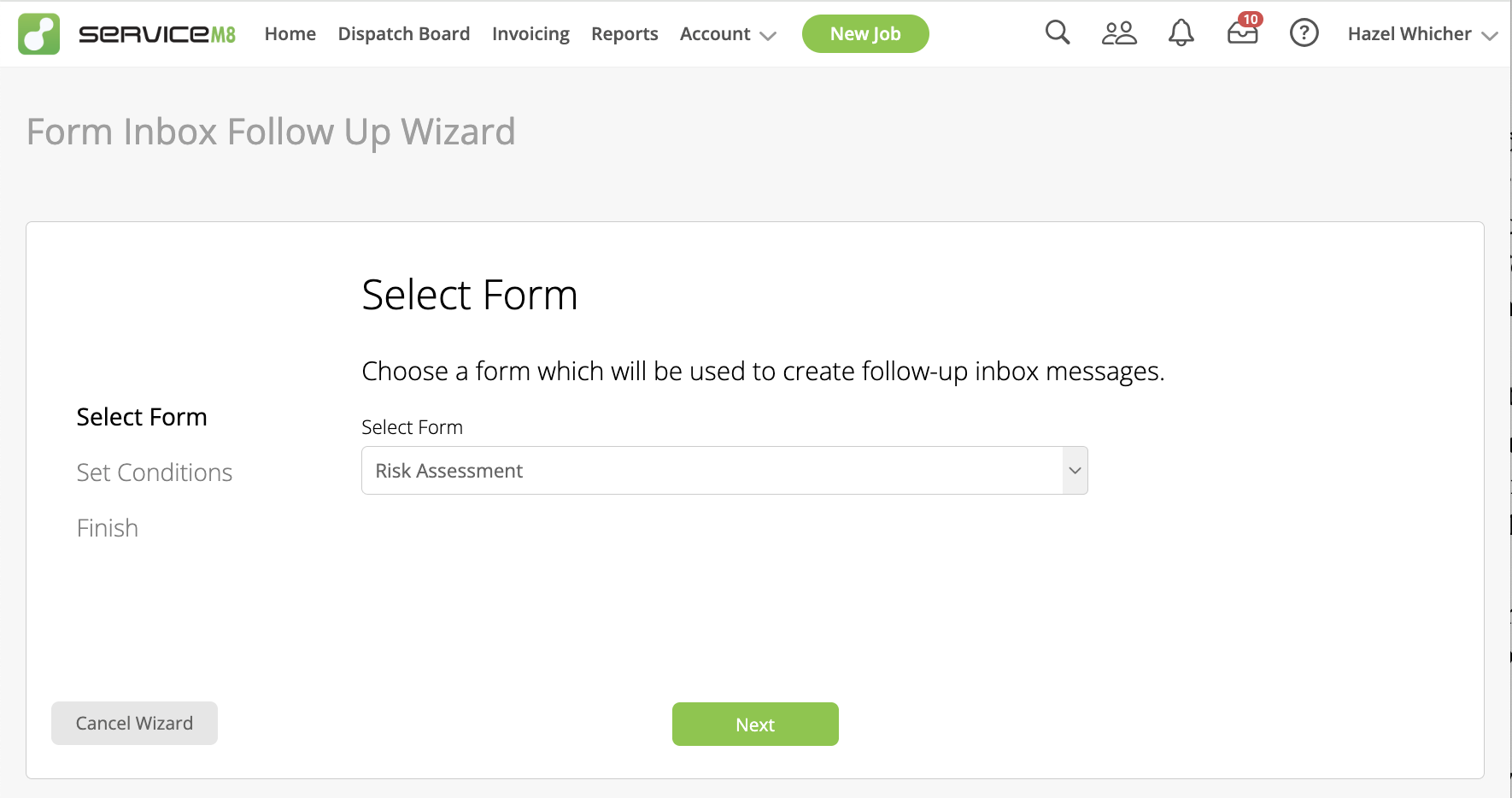
3. Choose the form you want to monitor – for example, your risk assessment form, your equipment inspection form or pre-start checklist.
4. Set your condition(s) – up to three per automation. This is where you tell ServiceM8 which answer should trigger the message, e.g. “Follow-up required = Yes.
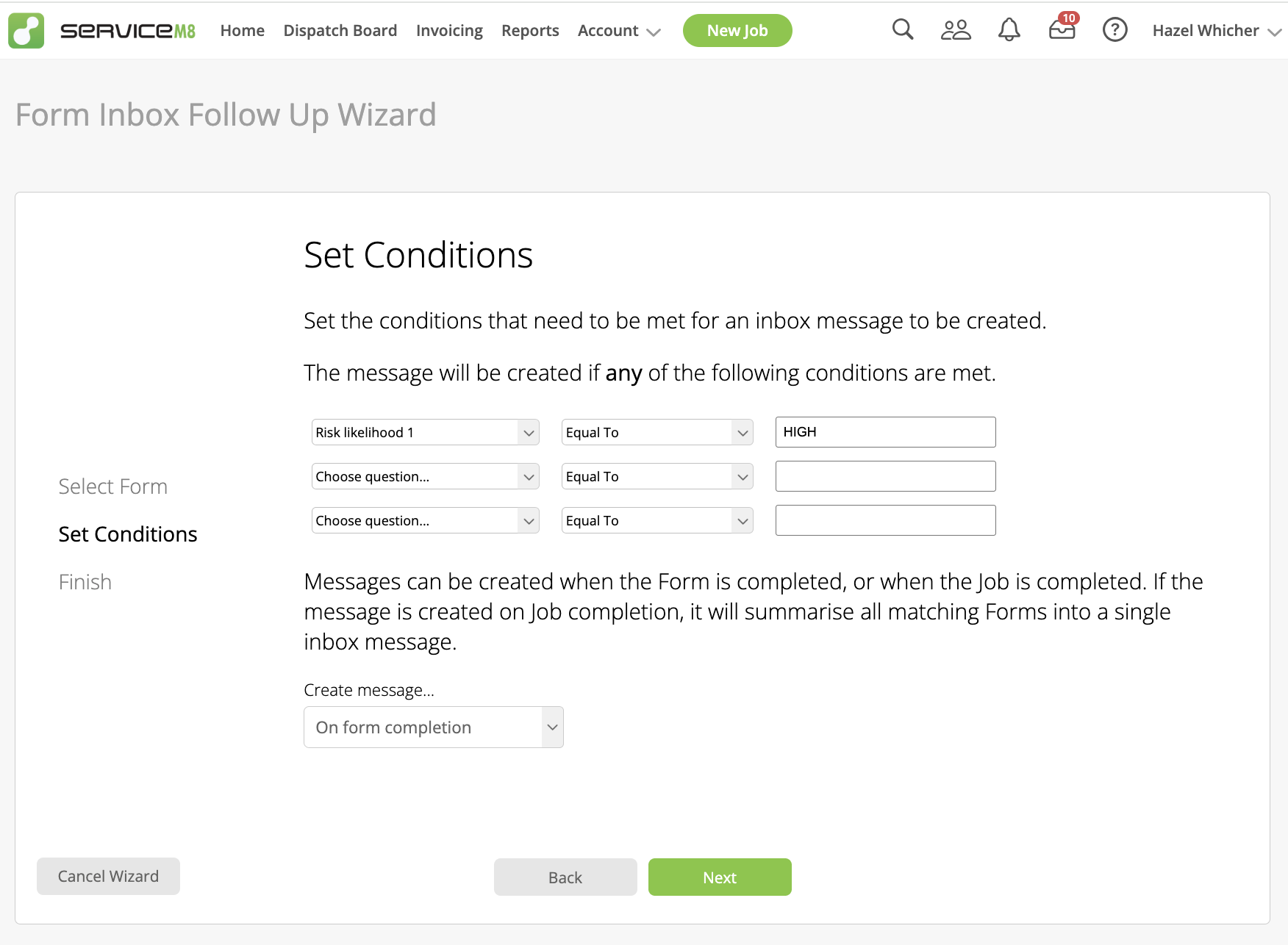
5. Choose whether the message fires the moment the form is completed, or only once the whole job is marked complete. If you’re running forms across multiple assets on one job (say, 50 fire extinguishers on one site), “on job completion” bundles all the flagged responses into a single Inbox message instead of 50 separate ones.
6. Click Next to save it.
Here’s the result – a notification in the inbox for you to either attach to your existing job or create a new job with it to deal with it.
One thing to check first: you’ll need both the Automation add-on and the Forms add-on switched on for this to appear as an option.
If your team fills out forms on site and you’re the one relying on memory (or a scroll through forms or notes) to catch what needs chasing, this is worth ten minutes of your Tuesday to set it up.

