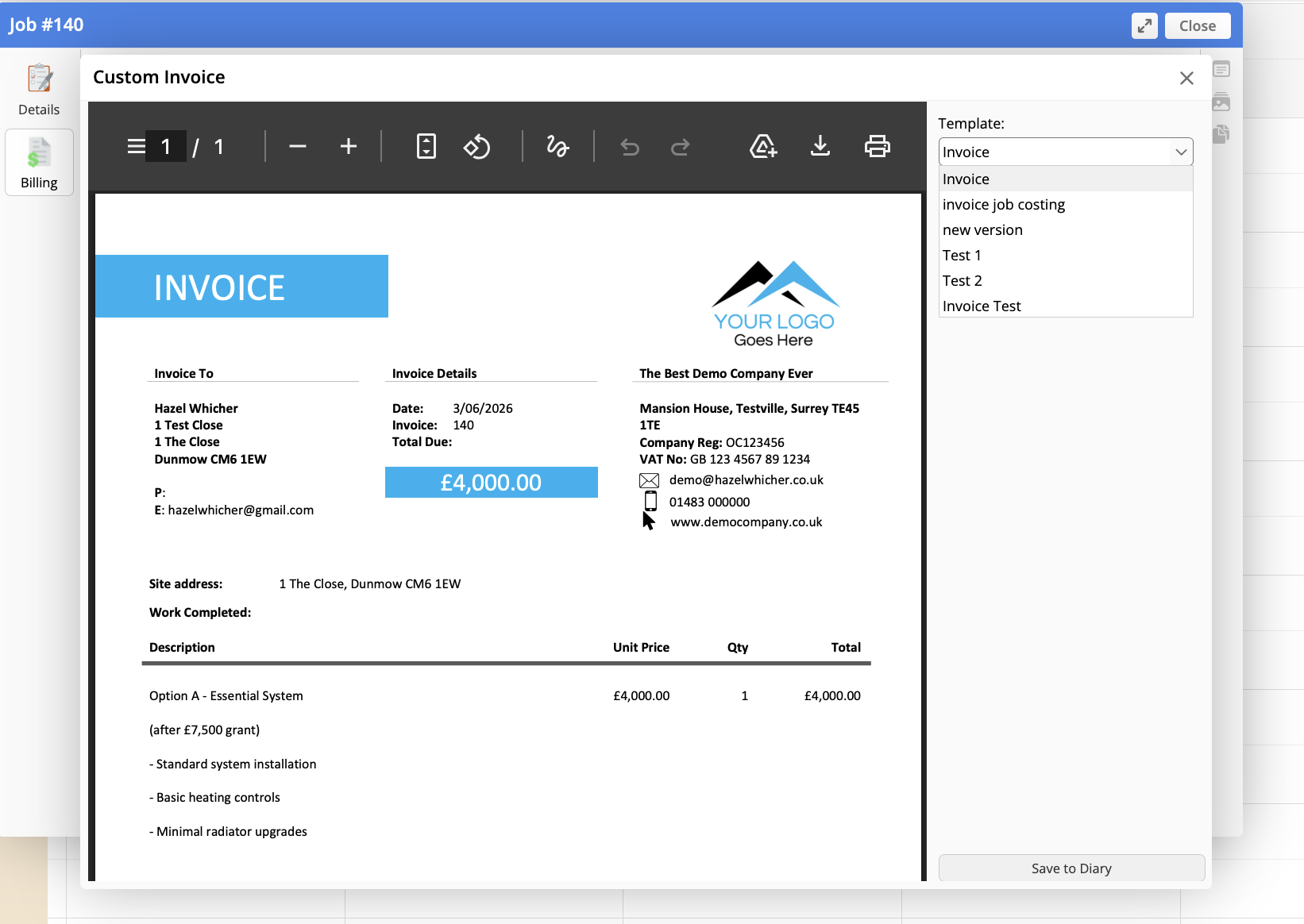
If you want to put together your quotes and invoices quickly and easily with itemised pricing in ServiceM8, but not show your customer all of that wonderful itemised detail, you can!
Changing the way your invoices are laid out can improve your payment times, reduce arguments about time spent on the job and provide whatever level of detail that you’re happy with.
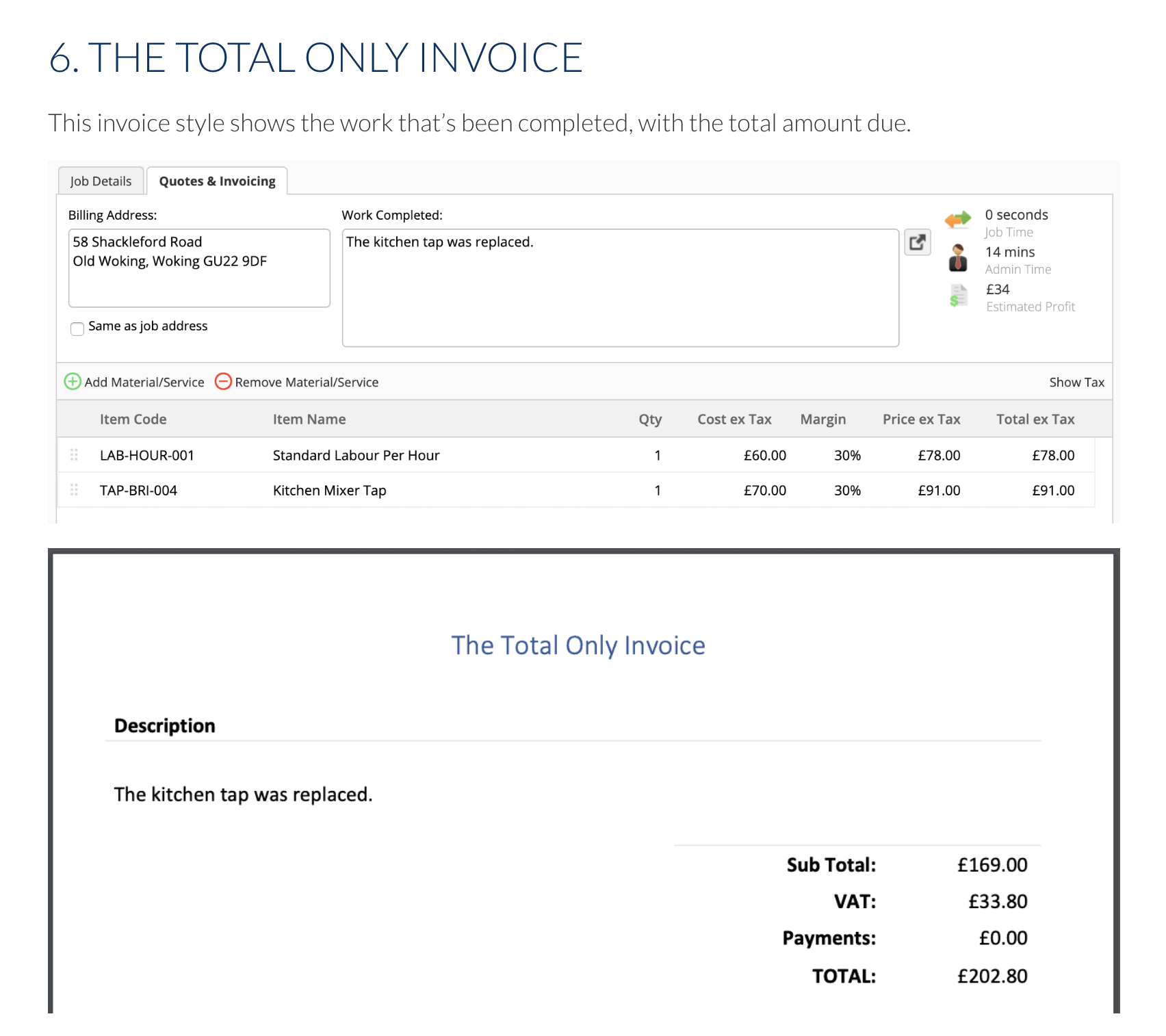
A little-known fact about ServiceM8 invoices is that you can put as much information into ServiceM8 as you like, but pick and choose what’s included on the final invoice PDF that you send to your customer.
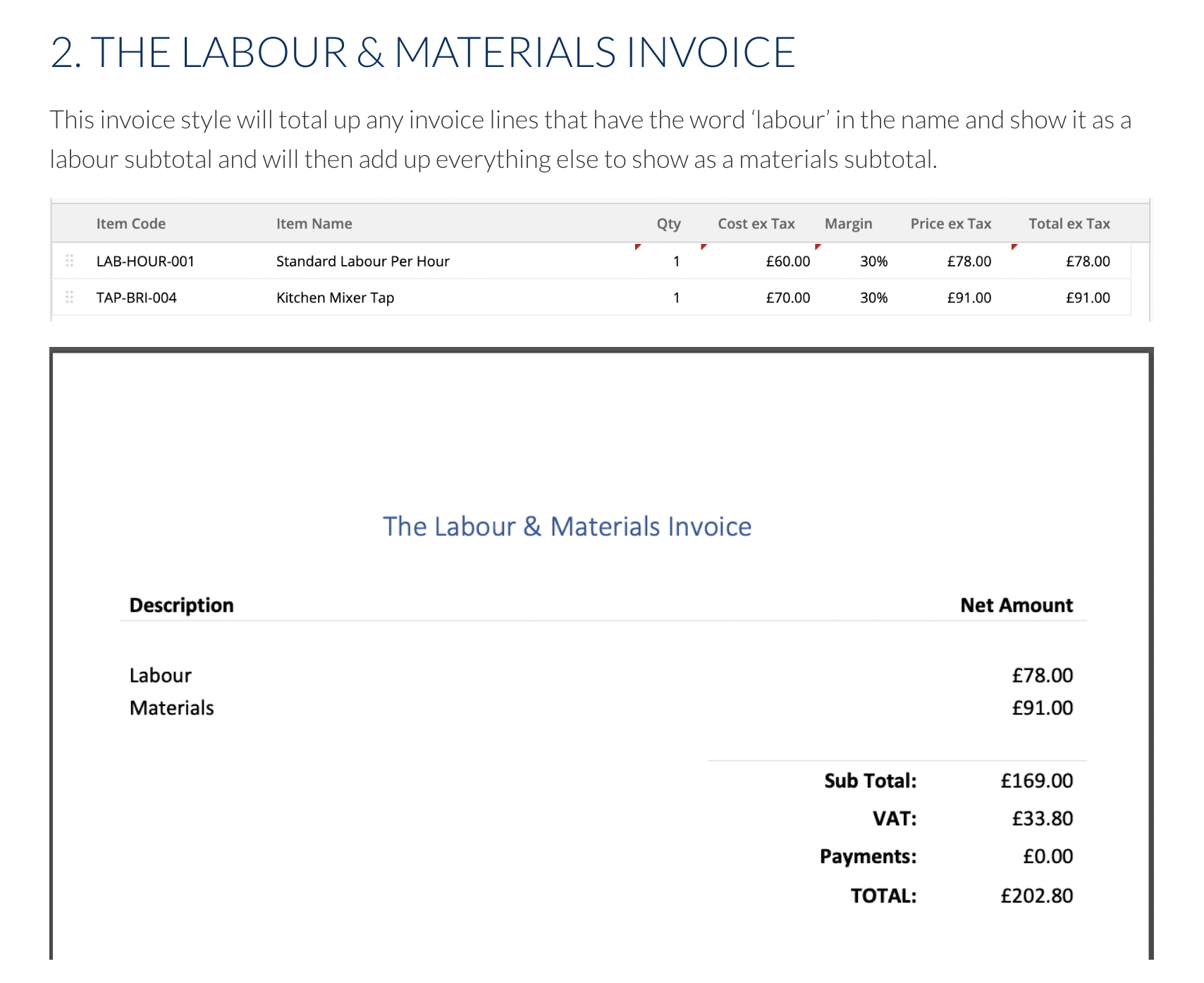
This improves your reporting and decision-making abilities in the future because you can use the higher level of detail to understand how much time you’ve sold, in what units, as well as which parts or types of works are more popular.
Also know that you can create multiple templates with these different ‘pricing styles’ to be able to pick and choose between them at the point of quoting or invoicing.
To do this, add your different templates in account > settings > document templates and then when you want to invoice the customer, use the ‘customise invoice’ option to be able to select from a dropdown of invoice styles.