
Are you obsessed with emojis?!
Do you use them to break the ice with your customers and portray a friendly and personable company tone?
If so, you don’t have to let them go when emailing with ServiceM8 🙂 🎉
Emails – just copy and paste from emojipedia, or use a keyboard shortcut (CTRL + COMMAND + SPACEBAR on a mac; Windows key + . (period) or Windows key + ; (semicolon) on a PC
Email templates – this is a little trickier because saving the template will remove any emojis you’ve added to the template.
However, if you do the following…
- grab the decimal code from here https://www.w3schools.com/charsets/ref_emoji_smileys.asp
- go to the email template in ServiceM8 and hit Edit
- select the html view of the email template (it’s the <> Source button)
- paste the decimal code in
- hit save
- don’t open the email template again otherwise it’ll convert into the emoji into the image instead of the decimal code and then it’ll be removed if you save / close the email template editor again.. if this does happen, just repaste the decimal code.
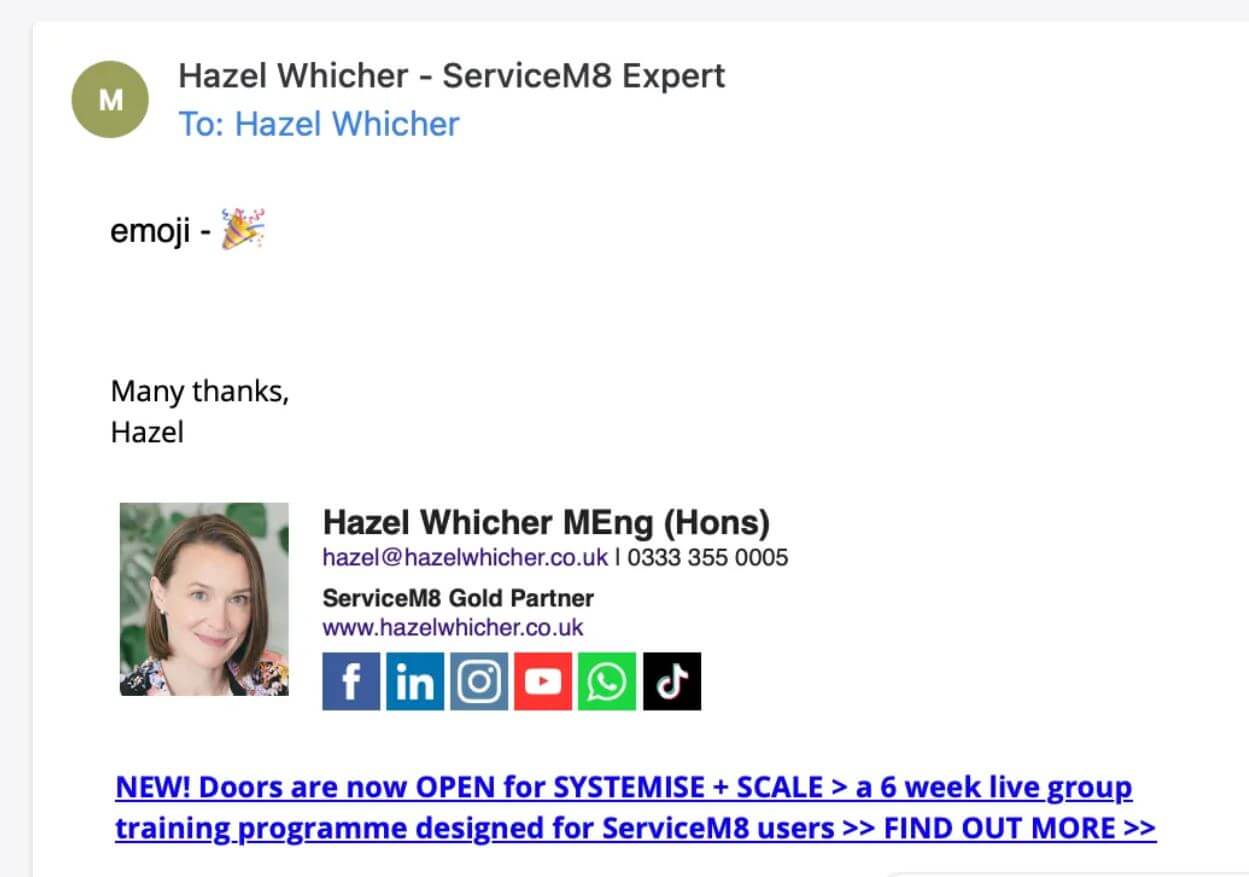
Voila! Emojis will appear when you next create an email in ServiceM8 using that email template 🎉🎉🎉

