
I wrote an article over 4 years ago that compared Gas Engineer Software (GES) with ServiceM8. One of the major differences was with how forms work across the two softwares.
GES works in an ‘appliance first’ way – You set up the appliance on GES and then complete forms against that appliance, which means that when you come back the following year to service a boiler, you don’t have to add the details for that appliance again.
ServiceM8, on the other hand, offers forms which are completed from scratch every time. You answer questions about the boiler appliance, make, model etc and when you return the following year to complete another Gas Service Record, you answer those appliance questions again.
If this sounds like a waste of your valuable time, then look at setting up ServiceM8’s Asset Management feature.
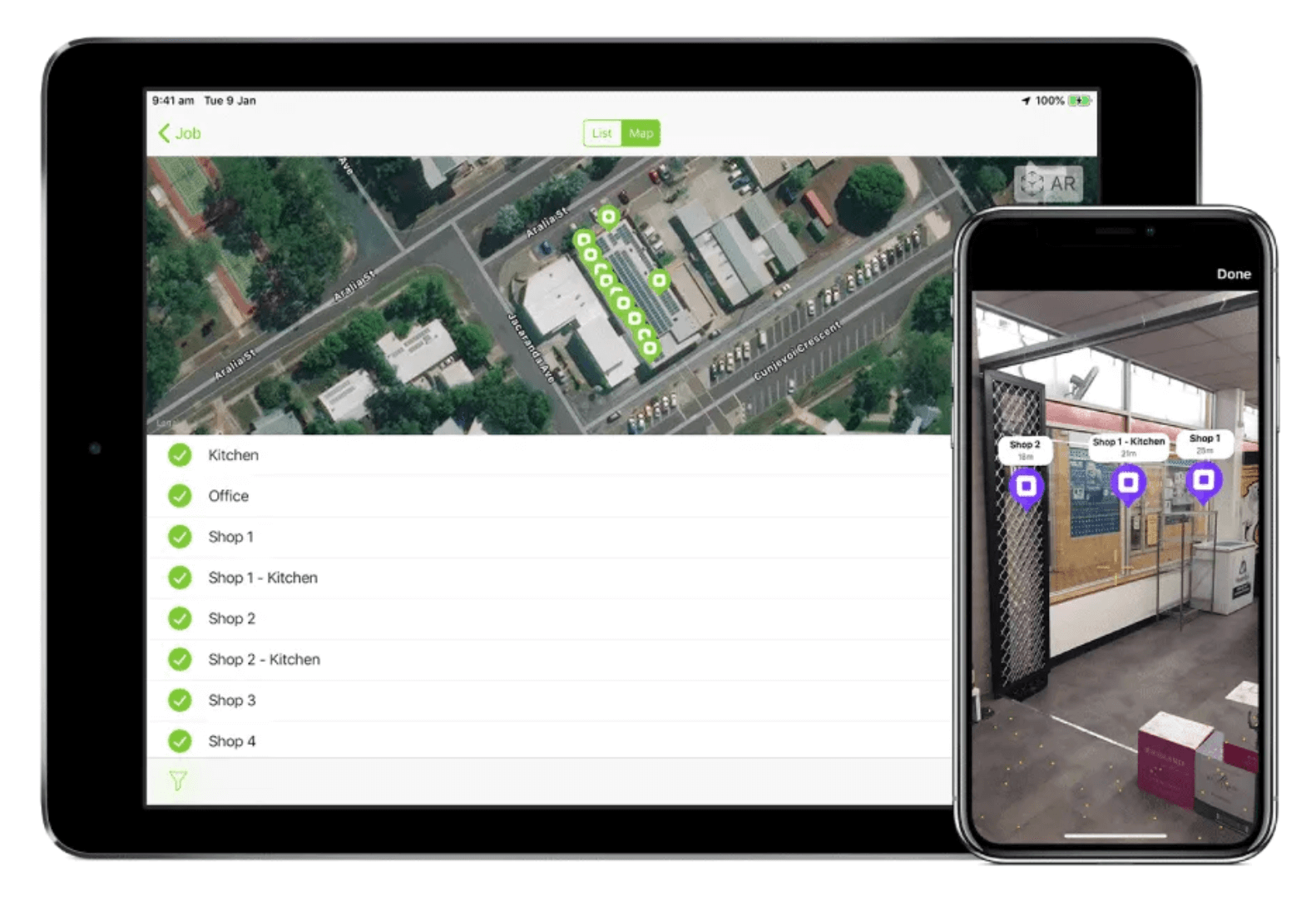
This allows you to set up your asset (appliance) types – such as ‘boiler’, ‘gas fire’ and then you complete forms against those assets. The forms can then be modified to pull through the appliance details automatically, so that you don’t have to answer the appliance questions on each return visit.
The added benefit of setting up customer assets in this way is the QR code sticker that you attach to each appliance. This QR code can be scanned by the customer or tenant which takes them to an issue reporting webpage. These issues are then sent directly to your ServiceM8 inbox.

