
I had a client tell me recently they were fed up of being told off for sending automatic review request texts to the same corporate accounts, over and over, because they couldn’t work out how to switch it off just for that client.
They’d already tried the obvious fix: cancelling the automation for that client, but it didn’t hold. Every new invoice, the message went out again. So they’d basically given up and accepted it as just one of those annoying things ServiceM8 does.
Here’s what was going on: The automation was set up on ServiceM8’s default “customer feedback” trigger, which fires whenever an invoice is marked as paid. That trigger lives at the individual site level, not the overall client relationship, so trying to cancel it for a head office account with multiple sites underneath it just doesn’t stick the way you’d expect.
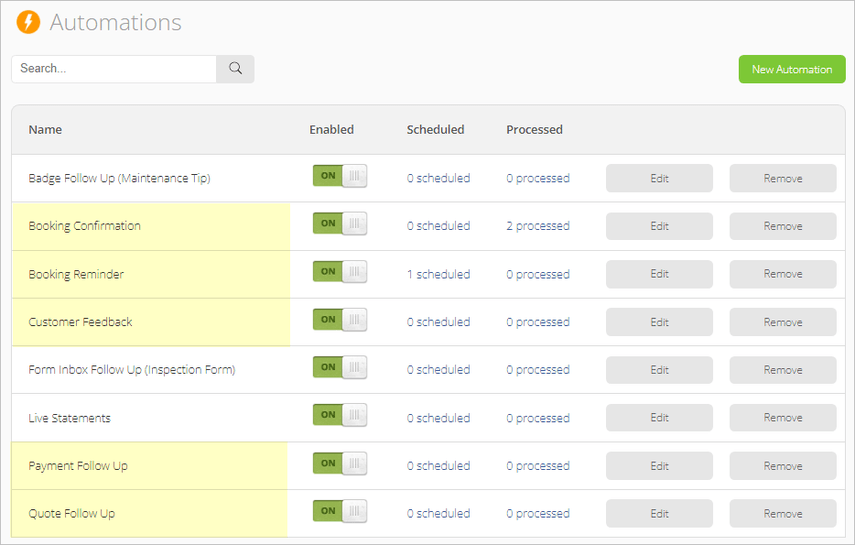
The proper fix is to stop using that trigger altogether and set up a badge-based automation instead, one that fires based on whether a specific badge is switched on for that job, rather than whether an invoice has been paid. Put that badge on your job templates, ON by default for private customers, OFF by default for commercial ones, and the right message goes to the right audience automatically, without anybody having to remember to toggle anything per job.
While you’re in there, it’s worth breaking the “New Job” button habit too. Every time you hit that, you’re starting completely from scratch. A proper set of job templates for your common services means every new job starts with the right category, the right description, and the right automation settings already switched on or off, exactly where you want them.

