
I came across this one recently. Deposits taken in ServiceM8 weren’t showing as prepayments in my Xero account, so I got in touch with the ServiceM8 support team to find out why.
It comes down to two settings that both need to be configured correctly. If either one is missing, the prepayment sync won’t work.
Go to ServiceM8.com Account > Settings > Preferences > Invoicing > Xero and check the following:
- Default account code for Deposits must be set to a liability account from your Xero chart of accounts, for example ‘Customer Deposits’ or ‘Prepayments Received’
- Default account for Payments must be set to a bank account
Both need to be in place. Having only one configured is enough to stop the sync working, so it’s worth checking both even if one looks correct.
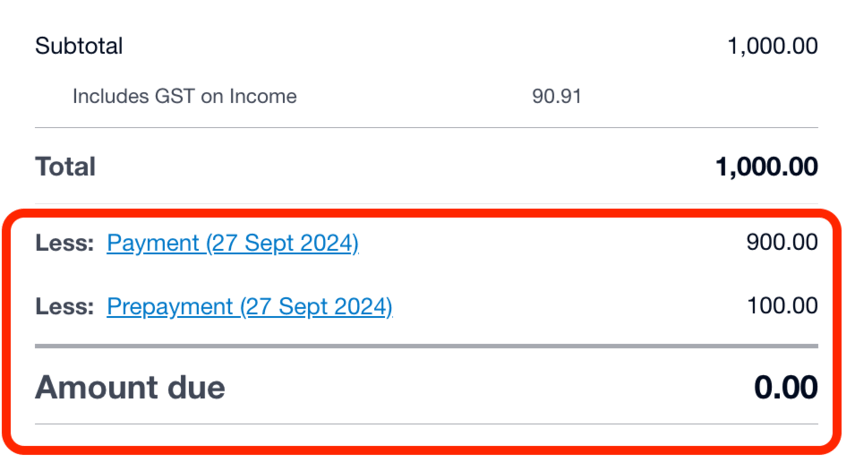
If those settings are already configured and you’re still having problems, raise a ticket with ServiceM8 support and include as much detail as possible, with specific examples of prepayments that haven’t synced correctly. The more information you give them, the quicker they can help.
In the meantime, you can resolve the issue in Xero for any affected prepayments by creating a partial invoice for the deposit amount. ServiceM8 has a guide on how to do that here: How to partial invoice for a deposit
Have you come across this one before, or is there another ServiceM8 and Xero sync issue that’s been catching you out?

