Want to make sure that you don’t forget about public holidays?
Don’t want to let customers book their appointments for when you should be relaxing and recharging like everyone else?
Use the Closed Dates section in ServiceM8.
This will block out your ServiceM8 calendar on those dates, so that you don’t accidentally work on a Bank Holiday. It’ll also prevent customers from making appointments on those days if you’re using the Services & Online Booking add-on.
To do this, you’ll need to be on the online / desktop version of ServiceM8.
Go to account > settings > company information and scroll down to Closed Dates

Click on the Add Closed Dates button to add more dates:

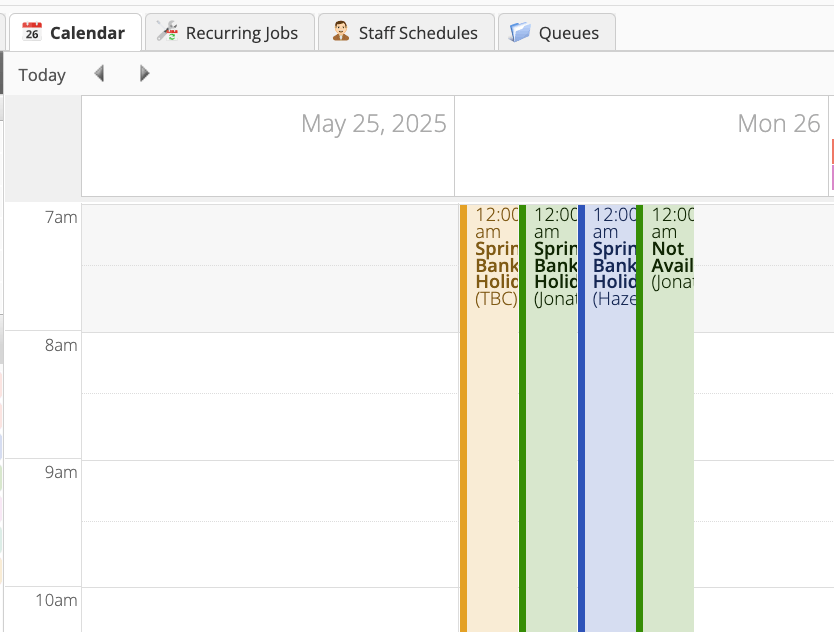
On the calendar, the entire holiday will be blocked out for all members of staff: