
Office Agent can tell you. n8n can do something about it.
This week I’ve been testing how ServiceM8’s Office Agent handles custom fields. Short version: it can read both job and client custom fields (the AI report builder in Reports only sees the job ones), answer plain-English questions about them, and run a scheduled check that reports to someone in the office (scheduled tasks need Office Agent Pro).
My test was a “Key Return Due Date” field. Office Agent found the overdue date, and then flagged that the job’s key status still said “Key required”. So the date alone didn’t prove a key was actually outstanding. Genuinely useful.
But for this group, the interesting bit is where it stops.
A scheduled Office Agent task tells someone there’s a problem. If you want something to happen as a result, like a reminder to the engineer, a task in someone’s to-do list, a note on the job or an email to the landlord, that’s where n8n comes in.
There are two places I’d connect them.
1. Filling the fields in the first place
Office Agent is only as good as what’s in your custom fields. In most accounts I look at, lead source is blank on a good chunk of clients because nobody asked, or nobody typed it in.
If your leads come in through a website form, Calendly or Facebook lead ads, n8n can write the lead source into the client’s custom field as the client is created. Nobody has to remember. Then when you ask Office Agent where your work came from this quarter, it’s answering from full data rather than whatever got typed in on a busy day.
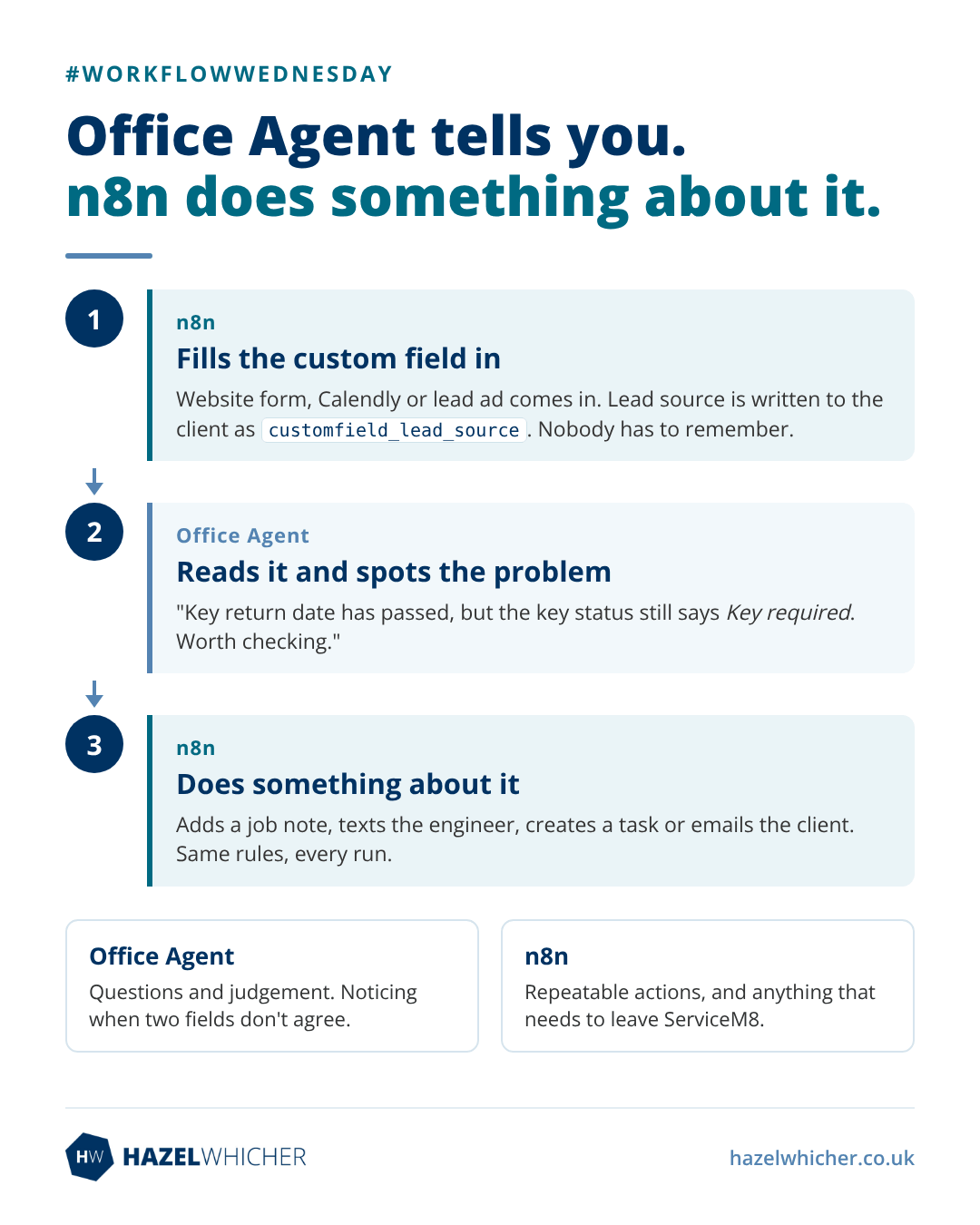
Worth knowing: custom fields appear in the ServiceM8 API with a customfield_ prefix, for example customfield_lead_source. The ServiceM8 node in my build can’t update clients, so for client custom fields you’ll need an HTTP Request node posting to the company record.
2. Acting on dates
For something like overdue key returns, a simple n8n workflow looks like this:
- Schedule Trigger, weekday mornings
- ServiceM8 node, Get multiple jobs, filtered to the jobs you care about
- Filter or Code node: keep jobs where customfield_key_return_due_date is before today. Watch out for empty dates, which come through as 0000-00-00 rather than blank
- Then do something: add a job note, text the engineer, create a task, email the client
It’s rule-based, so it does exactly the same thing every run and doesn’t eat into your Office Agent usage allowance.
So which one do you use?
My rough rule:
Office Agent for questions and judgement. “What’s overdue, and does anything look off?” It’s good at noticing when two fields don’t agree.
n8n for repeatable actions, and anything that needs to leave ServiceM8.
Most of the time the answer is both. n8n keeps the data clean and does the doing. Office Agent tells you what the data means.
Start with one field and a couple of test jobs, and check what your node actually returns before you build filters around it.
Which custom field would you most like to automate around? Lead source, compliance dates, something else?
~ Hazel

