
“Phone Agent” sounds like one of those AI features you fully expect to ignore.
It brings to mind press 1 for this, press 2 for that, and somehow still ending up annoyed. That’s not what this is though.
The AI agent inside ServiceM8 Phone exists for one very simple reason: most of us can’t answer the phone all the time, and missed calls cost work.
Phones ring when you’re driving, when you’re on site, when you’re mid-job or trying to focus. You either miss the call completely, answer when you shouldn’t, or rely on voicemail and hope they leave a message. Plenty don’t.
Instead of the call just ringing out, the agent can step in. It answers the call, greets the customer properly, asks what they’re calling about, captures the details and logs it back into ServiceM8. No trying to remember who rang and why later on.
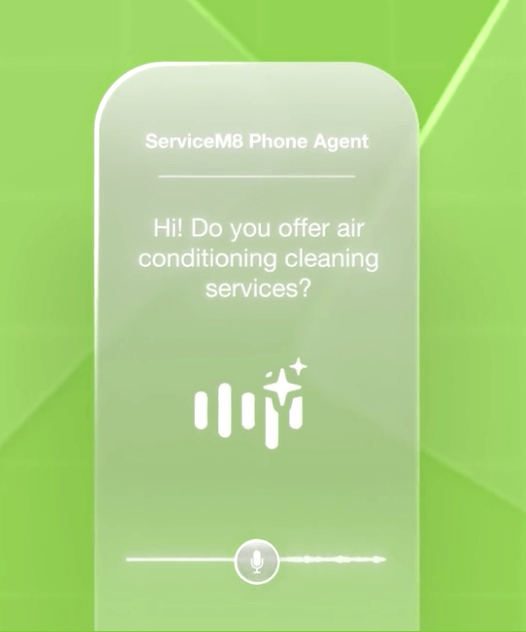
The important bit is that this isn’t a random phone system bolted on the side. Because it’s part of ServiceM8, the call links to real customers and real jobs. Enquiries don’t disappear. Leads don’t live in your head until you forget them. You can deal with things when you’re actually free, not when your phone decides.
This is especially useful if you’re a one-person business or you don’t have someone in the office answering calls all day. It’s not about replacing people or pretending you’ve got a call centre. It’s about protecting your attention so you can do the work you’re actually being paid for.
It’s also worth being clear about what it doesn’t do. It’s not having long, nuanced conversations. It’s not perfectly qualifying every lead. And it’s not meant to replace proper customer service. What it does do is make sure calls are answered, information is captured, and work doesn’t fall through the cracks. For most of us, that’s the real issue.
How to switch the Phone Agent on
If you do decide to switch it on, keep it simple at first. Clear greeting, a couple of straightforward questions, sensible routing. You can always tweak it later. Perfect setups are nice in theory, but used setups are the ones that actually make a difference.
First, you’ll need ServiceM8 Phone enabled on your account. If you’re already using it for calls, you’re partway there. Go to Account > Settings > ServiceM8 Phone and look for the phone agent or call handling options. That’s where you can choose how incoming calls are answered.
If you can’t see it, head on over to Account > Settings > ServiceM8 add-ons and search for it – you may need to join a waiting list.
Start simple. Set a clear greeting, decide what details you want captured (name, reason for calling is usually enough), and choose what happens next — for example creating a lead or job automatically.
Use the new ‘Structured’ mode first before you jump into the custom mode.
You don’t need to build the “perfect” flow on day one. Something basic that’s live beats something clever that never gets switched on.
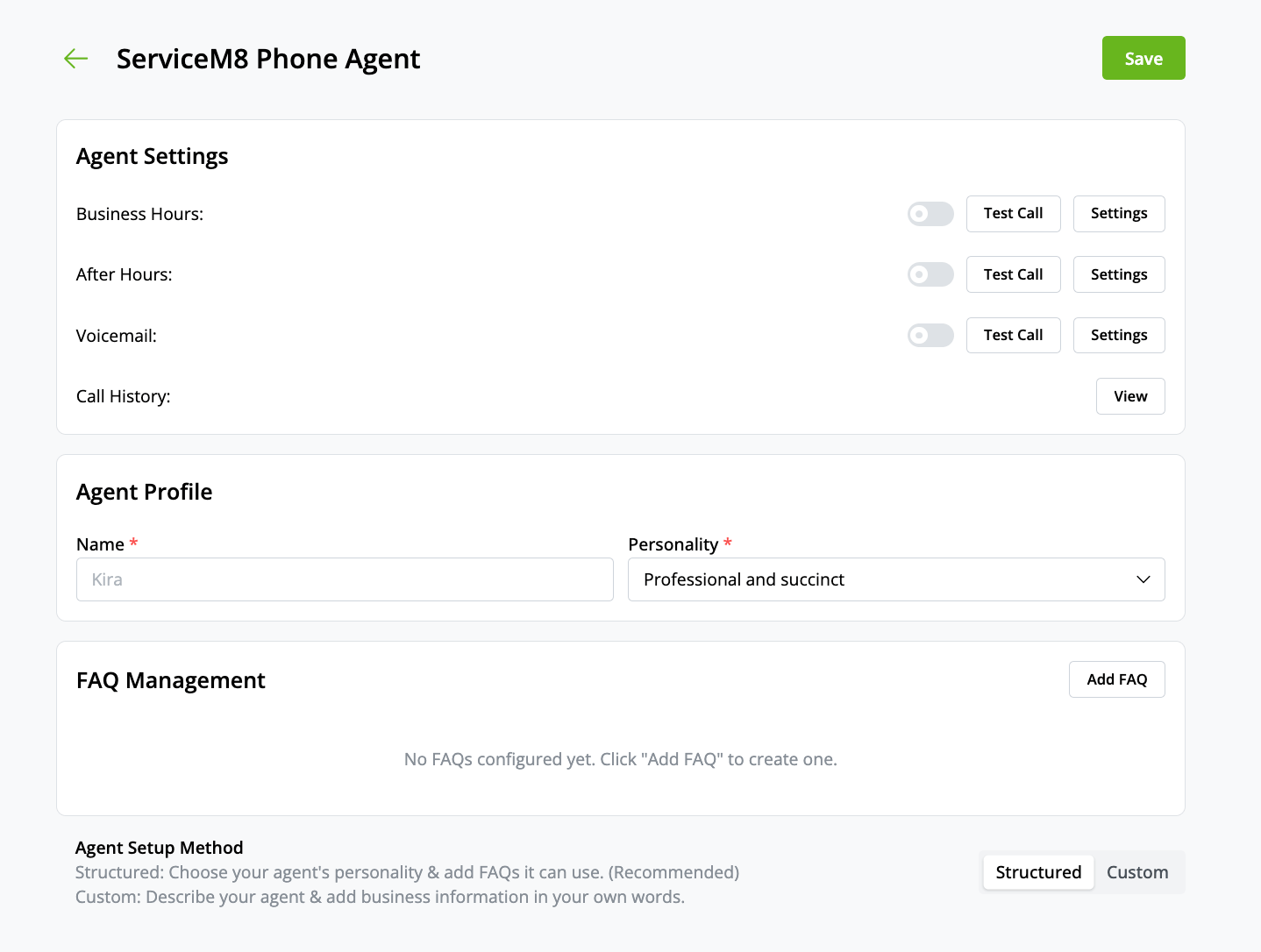
Once it’s enabled, test it yourself. Ring your own number. Listen to how it sounds. Tweak the wording if it feels clunky or too formal. This stuff doesn’t need to be polished — it just needs to work.
ServiceM8’s own help articles walk through this step by step, and they’re worth skimming before you start:
Give yourself 15 minutes, not an afternoon. You can always refine it once you see how your customers interact with it.
Most of us don’t lose work because we’re bad at what we do. We lose it because we’re busy, we miss calls, and the follow-up never quite happens. ServiceM8 Phone’s voice agent fixes that.

